

Ask a business owner which AI tools their company uses and you'll usually get a short answer: "We're looking into it." Then you look at the actual environment and find a resume-screening feature in the hiring software, a chatbot on the website, an AI note-taker joining client calls and a handful of employees using free chatbot accounts to draft emails with customer details pasted right in.
None of that is unusual, and most of it is well intended. But AI is now regulated in ways that affect ordinary California businesses, and you can't manage risk in tools you don't know exist. At Tech Plus Consulting, the first step we recommend to every Bay Area client is the same: build an AI inventory.
Why this matters now
California has new rules that apply to everyday business use of AI, not just to companies that build it:
AI in hiring and promotion (in effect since October 1, 2025). California's Civil Rights Council clarified that the state's anti-discrimination law covers automated decision systems used in recruiting, hiring and promotion. Employers can be responsible for bias in tools run by vendors on their behalf, must keep related records for four years, and can point to anti-bias testing as part of their defense.
Automated decision-making under the CCPA (compliance starting January 1, 2027). Businesses covered by the California Consumer Privacy Act (for example, those with more than $25 million in annual revenue) that use automated tools to make significant decisions about people, such as hiring, pay, lending or housing, will need to give notice, offer opt-outs and access rights, and complete documented risk assessments.
Even if neither applies to you directly, the same questions are showing up in client security questionnaires, vendor contracts and cyber insurance applications. "What AI tools do you use, and what data goes into them?" is quickly becoming a standard question.
You can't fix what you can't see
Under California's hiring rules, "the vendor did it" isn't a defense, so you need to know which of your tools are making or shaping decisions about people. And when a client, insurer or regulator asks about your AI use, the businesses in the best position are the ones who can hand over a list, not the ones who have to go find out.
Where AI is hiding in a typical business
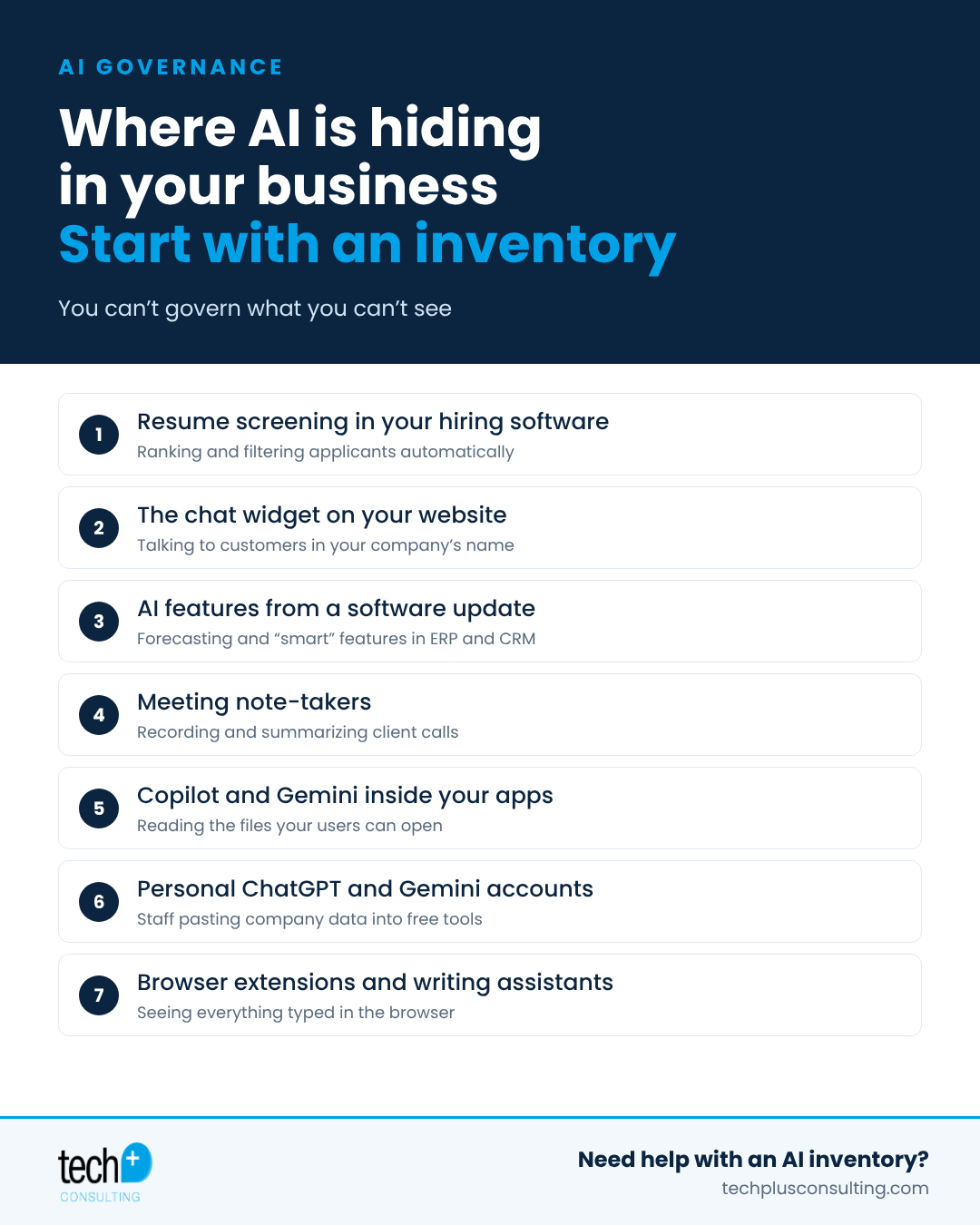
Hiring software. Many applicant tracking systems now rank, score or filter candidates automatically.
Website chat widgets. A chatbot someone added to the site is talking to customers in your company's name.
Features that arrived in an update. ERP, CRM and accounting platforms are adding forecasting, scoring and "smart" suggestions, often switched on by default.
Meeting note-takers. AI assistants that join calls, record them and store transcripts of client conversations.
Copilot and Gemini inside your apps. Built-in assistants in Microsoft 365 and Google Workspace can surface any file a user has access to, so messy permissions become an AI problem.
Personal chatbot accounts. Employees signing up for free ChatGPT, Gemini or Claude accounts on their own, outside company controls, where business data may be used to train models.
Browser extensions and writing assistants. Tools that can read everything typed into the browser.
How to build an AI inventory in an afternoon
You don't need special software. A shared spreadsheet works. Create one row per tool and capture:
Tool and vendor: what it is and who makes it
Owner: who signed up for it or manages it
Users: which teams or people use it
Data going in: client data, employee data, financials, nothing sensitive
Account type: company-managed or personal, free or paid
Decisions it influences: hiring, pricing, customer communications, none
Training setting: whether the vendor can use your data to train its models
Then ask around. Send a short survey, check with each department head, and review your software subscriptions and expense reports for AI tools. Your IT provider can also pull sign-in and app data to find tools people forget to mention.
What to do with the list
Pick approved tools. Choose business versions of the AI tools your team actually wants, with data training turned off and sign-in through your company accounts.
Move people off personal accounts. Give staff an approved option so they don't need a workaround.
Write a short AI use policy. Spell out what data can and can't go into AI tools, and who approves new ones.
Review the high-impact uses. Anything that influences hiring, pay or customer decisions deserves a closer look and, where needed, legal review.
Keep it current. Revisit the inventory quarterly, and whenever a major software update adds new AI features.
Frequently asked questions
Do California's AI hiring rules apply to small businesses?
Generally, yes. They apply to employers covered by California's Fair Employment and Housing Act, which includes most businesses with five or more employees. If any of your hiring or HR tools use AI to screen, rank or score people, they're worth a closer look.
Do we need to stop using AI tools?
No. The goal is to use AI deliberately: approved tools, business accounts, clear rules about sensitive data and a list you can show a client, insurer or regulator.
Is a free ChatGPT account a problem?
It can be. Free and personal accounts sit outside your company's control, and depending on settings, what's typed into them may be used to train models. Business plans offer admin controls and data protections.
This article is general information, not legal advice. Talk with your attorney about how these laws apply to your business.
Want help finding the AI in your business?
Tech Plus helps Bay Area businesses with 20–100 employees inventory their AI use, roll out approved tools safely and put sensible policies in place. Learn more about our AI governance and security services. Let's Talk →
