

Most password habits aren't careless. They're just what people fall back on when nobody has given them a better option. One password everywhere, a spreadsheet of logins, swapping one letter every quarter. They feel manageable, but one leaked password can open the door to everything else.
At Tech Plus Consulting, we help small and mid-sized businesses in Oakland, San Francisco and the East Bay replace risky password habits with simple tools their teams will actually use. Here's what we see most often, and what works instead.
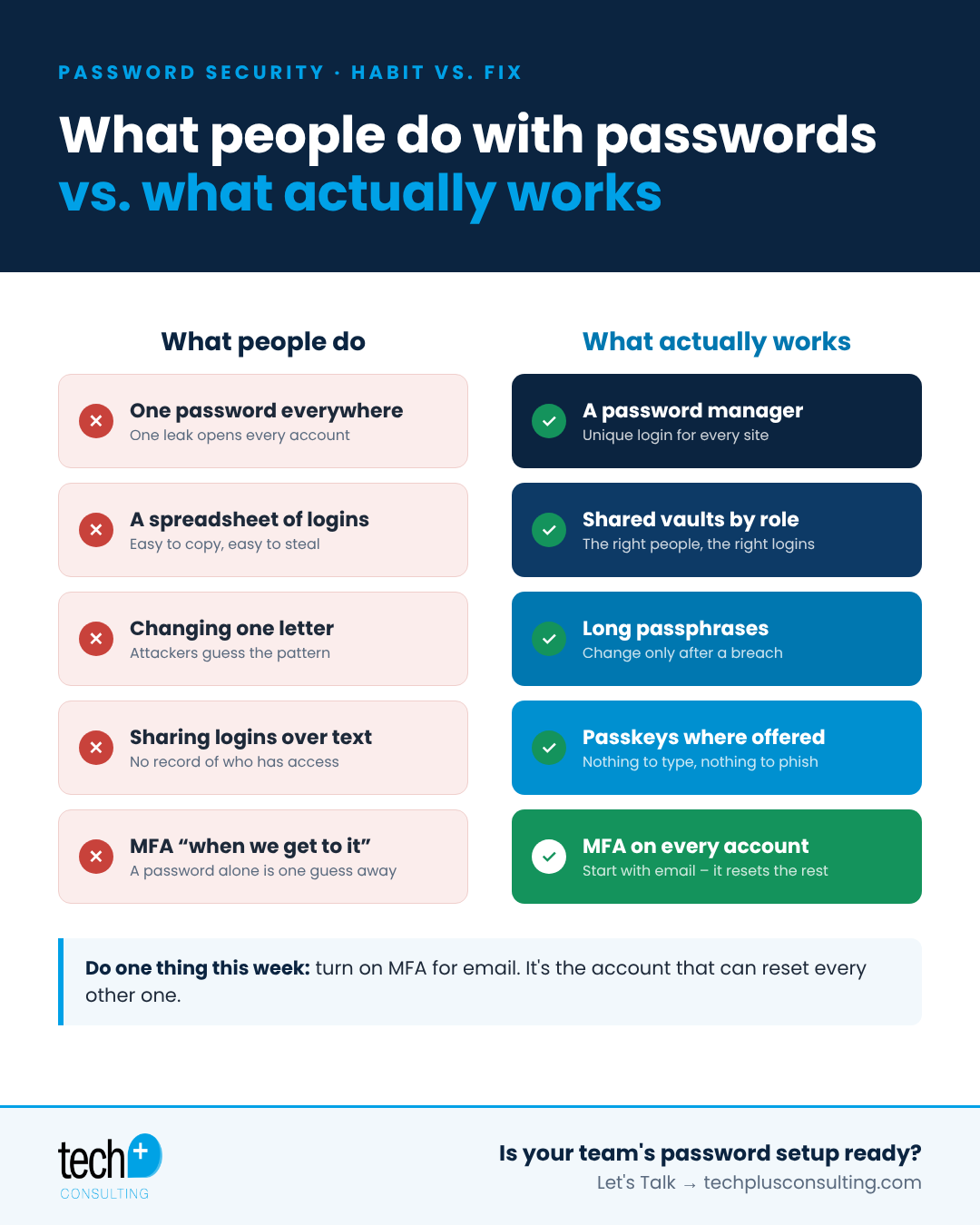
What people do with passwords
One password everywhere. When a single site is breached, attackers try that same email and password on email, banking and cloud apps. This is called credential stuffing, and it's automated.
A spreadsheet or sticky note of logins. Convenient, until the file is shared, synced to a personal device or emailed around.
Changing one character every quarter. Forced rotation leads to predictable patterns like Summer2026! becoming Fall2026!, which attackers guess easily.
Sharing logins over text or email. Shared accounts are a fact of life for small teams, but sending credentials in messages leaves copies everywhere.
Skipping MFA because it's "annoying." Without multi-factor authentication, a stolen password is all an attacker needs.
What actually works
Good password security is simpler than it sounds. It comes down to four things.
1. A password manager for unique logins
A business password manager creates and remembers a long, unique password for every site. Your team only remembers one strong master password. If one site is breached, nothing else is exposed.
2. A shared vault, organized by role
Instead of a spreadsheet, shared credentials live in team vaults. Your front desk sees the logins they need, finance sees theirs, and when someone leaves, their access is removed in one step and the shared passwords they knew can be rotated.
3. MFA on every account
Multi-factor authentication adds a second check, such as an app prompt or a hardware security key, so a stolen password alone isn't enough. Microsoft has reported that MFA blocks over 99% of automated account attacks. Cyber insurance carriers now ask about MFA on nearly every application.
4. Passkeys wherever they're offered
Passkeys replace passwords entirely with a cryptographic key stored on your device. There's nothing to type and nothing to phish, and more business apps support them every month.
If you only do one thing this week
Turn on MFA for email. Your email account is the one that resets every other account, so protecting it protects everything downstream.
How to roll this out without a support headache
Start with leadership and anyone who handles money or client data
Pick one password manager for the whole company and set up role-based vaults
Enforce MFA through your identity provider (Google Workspace or Microsoft 365) instead of app by app
Give the team a short training session and a clear way to ask for help
Retire the login spreadsheet once everything is migrated
Frequently asked questions
Do employees still need to change passwords regularly?
Current NIST guidance recommends against forced periodic changes. Use long, unique passwords and change them when there's a sign of compromise.
Is a browser's built-in password manager good enough?
It's better than reusing passwords, but a business password manager adds shared vaults, admin controls and the ability to remove access when someone leaves.
What's the best type of MFA?
Phishing-resistant options like hardware security keys and passkeys are strongest. App-based push or codes are a big step up from SMS.
Want help rolling this out to your whole team?
Tech Plus is a white-glove managed security and IT provider in Oakland. We deploy password managers and MFA for teams of 20–100, train your staff and handle the support. Let's Talk →
