

"The internet is slow" is the most common call we get. And most of the time, the internet provider isn't the problem. You can pay for a faster plan and still have video calls freezing in the conference room.
At Tech Plus Consulting, we fix office Wi-Fi for businesses across Oakland, San Francisco and the East Bay. Here's what we usually find, and how to fix it for good.
What's really slowing down your office Wi-Fi
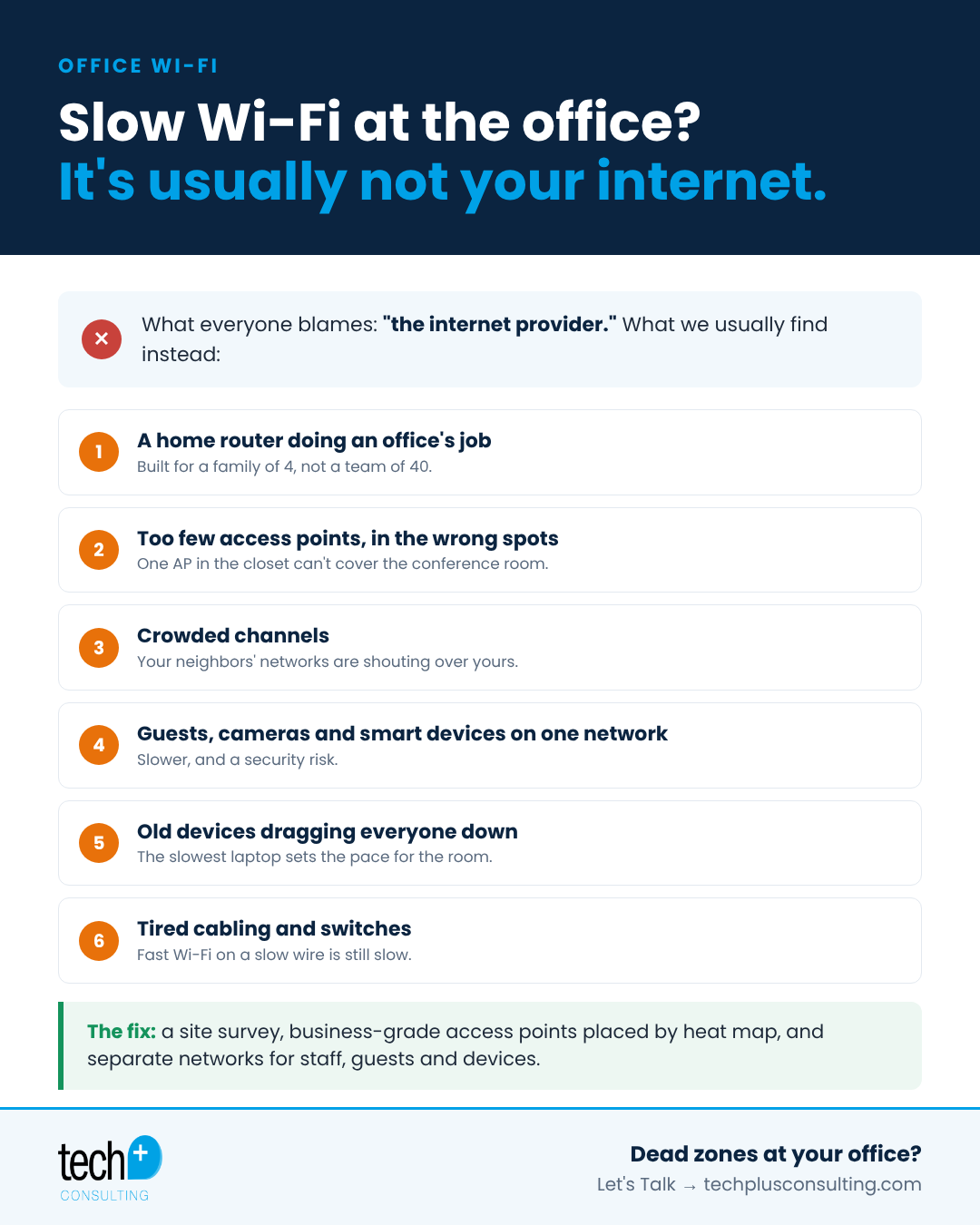
A home router doing an office's job. Consumer routers aren't built for 30 people, their phones, laptops, printers and smart TVs all connecting at once.
Access points in the wrong spots. One access point in a closet at the end of the hall can't cover a whole floor. Walls, glass and metal all block signal.
Crowded channels. In dense areas like downtown Oakland and San Francisco, your network competes with every office around you on the same channels.
Everything on one network. When guests, security cameras, TVs and staff all share one network, they compete for the same bandwidth. It's also a security risk.
Old cabling and switches. Aging cables and switches can cap speeds well below what your internet plan delivers.
How to fix slow office Wi-Fi
1. Start with a site survey
A Wi-Fi site survey maps signal strength, interference and dead zones across your space. It shows exactly where coverage is weak and why, so you're not guessing.
2. Place business-grade access points by heat map
Business-grade access points handle many more devices and hand off smoothly as people move around. Placing them based on a heat map, not convenience, eliminates dead zones.
3. Separate networks for staff, guests and devices
Separate networks (VLANs) for staff, guests and devices like cameras and TVs keep traffic organized and keep a guest's laptop or a smart TV from ever touching your company data. It's faster and more secure.
4. Tune channels and power
Proper channel planning and power settings reduce interference with neighbors and between your own access points.
5. Check the wired backbone
Wi-Fi is only as fast as the switch and cabling behind it. Upgrading old switches or cabling often unlocks speed you're already paying for.
Quick test: is it the Wi-Fi or the internet?
Plug a laptop directly into your network with an ethernet cable and run a speed test. If the wired speed is fine but Wi-Fi is slow, the problem is your wireless setup, not your provider.
Frequently asked questions
Should we just upgrade our internet plan?
Only if a wired speed test shows you're actually maxing it out. In most offices we visit, the bottleneck is the Wi-Fi itself.
How many access points does an office need?
It depends on square footage, walls and how many people and devices you have. A site survey gives you the right number and placement.
Is guest Wi-Fi a security risk?
It can be if guests share your staff network. A separate, isolated guest network solves that.
Got a dead zone in the conference room?
Tech Plus designs and installs reliable, secure Wi-Fi for Bay Area offices, from site survey to setup and ongoing support. We handle anything with a power cable. Let's Talk →
